Projects that build themselves from your contracts.
Upload the contract and the work shows up: tasks with owners and due dates, key dates, and the documents you still need from each subcontractor. Every task shows the exact clause it came from.
Included with CRM and Documents on Business and above
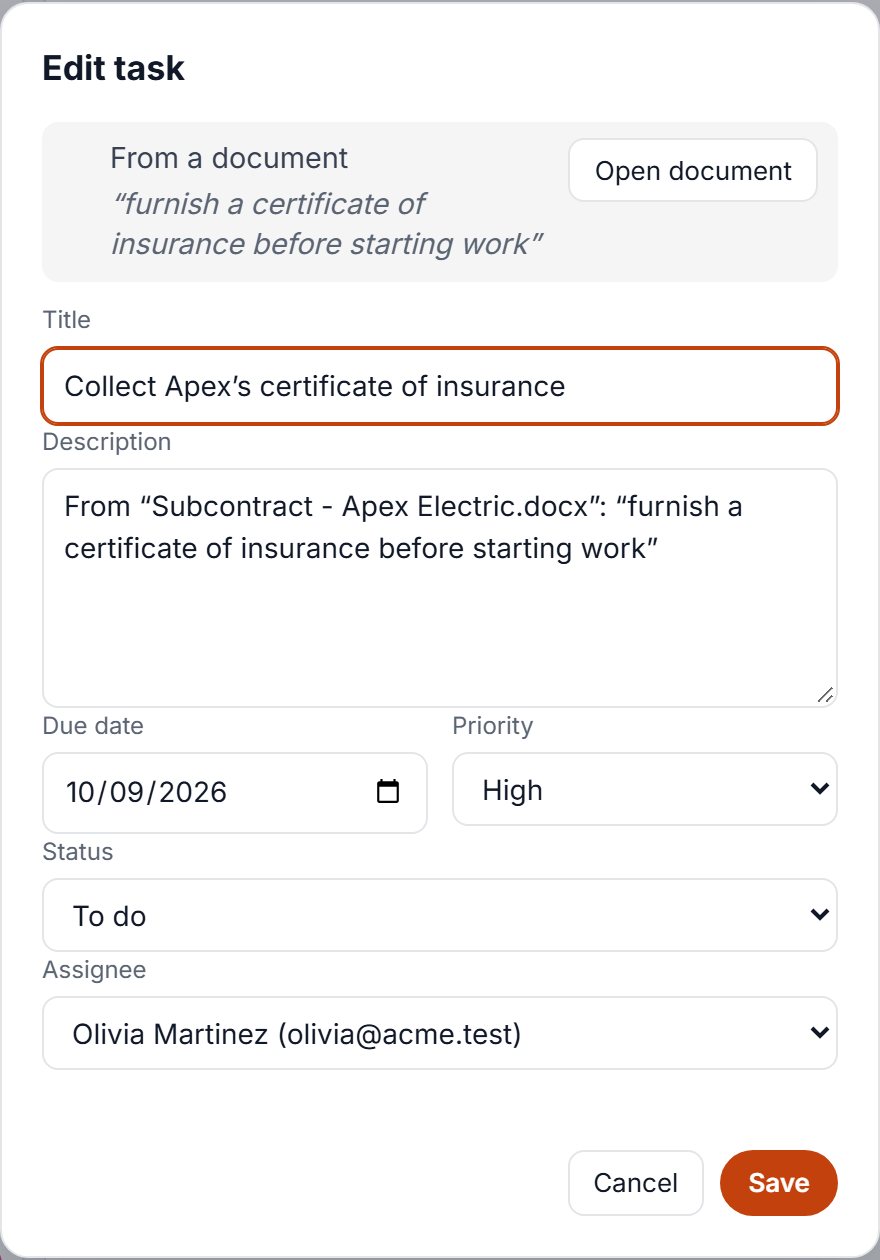
Tasks and deadlines you didn’t have to type
AI reads Apex Electric’s subcontract and creates the work: collect the insurance certificate in 5 days, verify rough-in by Oct 8, collect a lien waiver with each pay app. Each task links back to its clause.
- Owners, priorities and due dates set for you to check
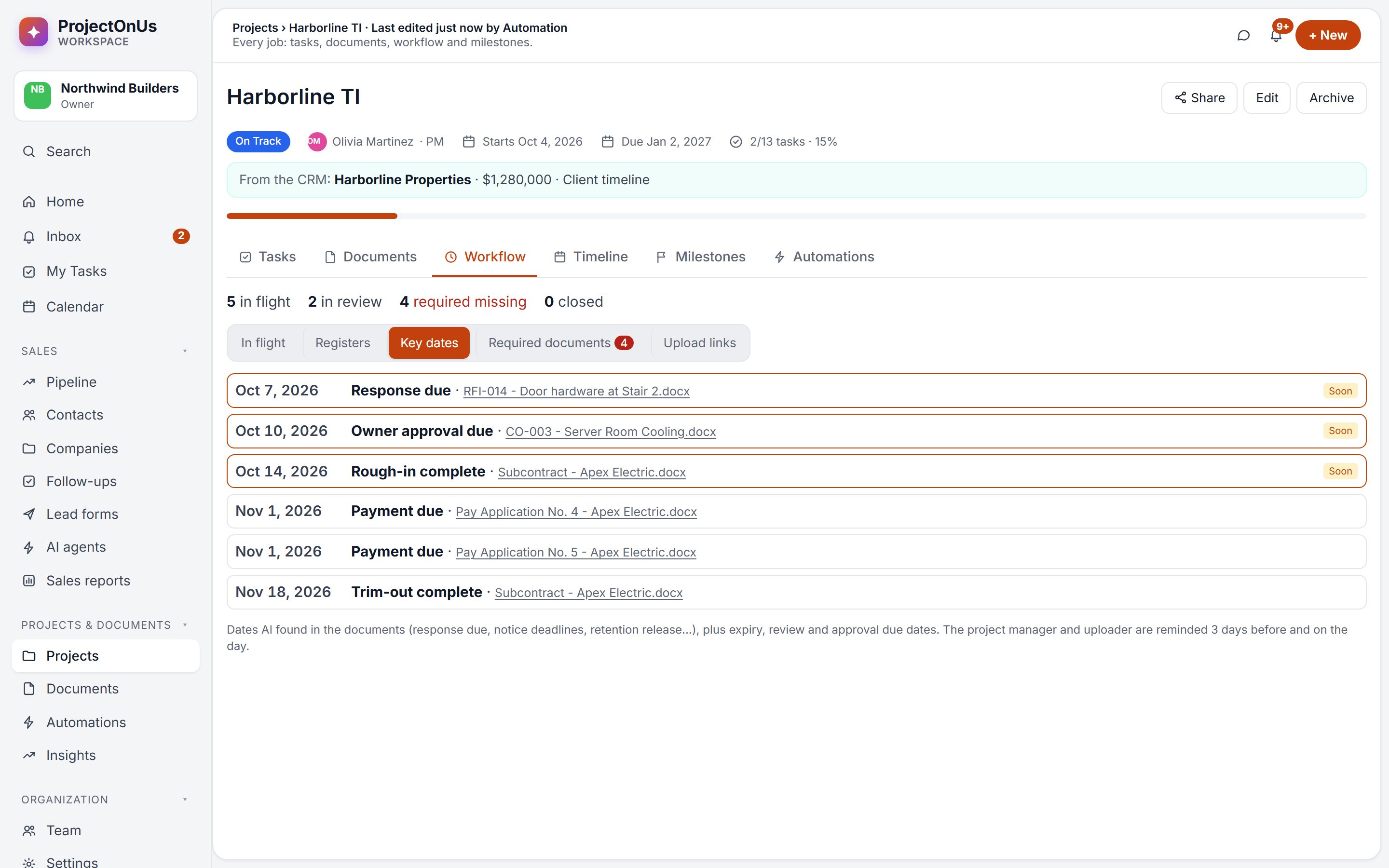
- Key dates with reminders 3 days before and on the day
- Required documents tracked per subcontractor
Boards, deadlines and team chat in one place
Every project gets a task board, milestones and a calendar. Your team talks in project chat, and clients can follow along through a read-only project link.
- Boards, lists and “My Tasks” for each person
- A timeline of milestones and tasks, with today marked
- Install it on your phone and snap photos straight into a project
- Team chat and read-only share links for clients
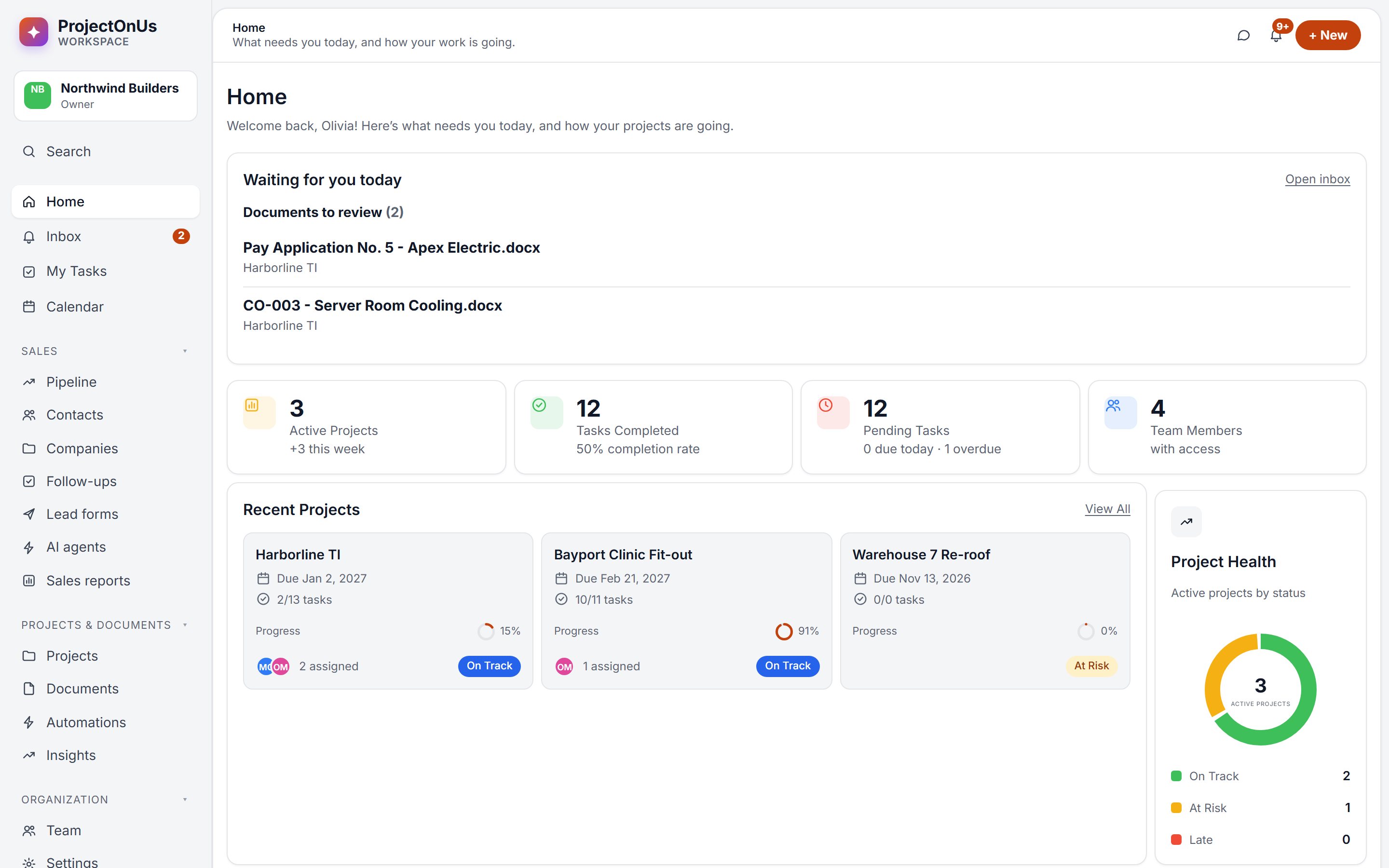
Know which jobs will finish late, before they do
Insights show each project’s pace, a forecast finish date, and an AI read-out of what needs attention this week.
- Forecast finish dates from your team’s real pace
- On-time rate and overdue work by person and project
- Automations: nudges for overdue tasks, heads-ups on high-priority work
The middle of the journey
Projects sits between the deal you won and the paperwork that gets you paid.
Contracts create the work
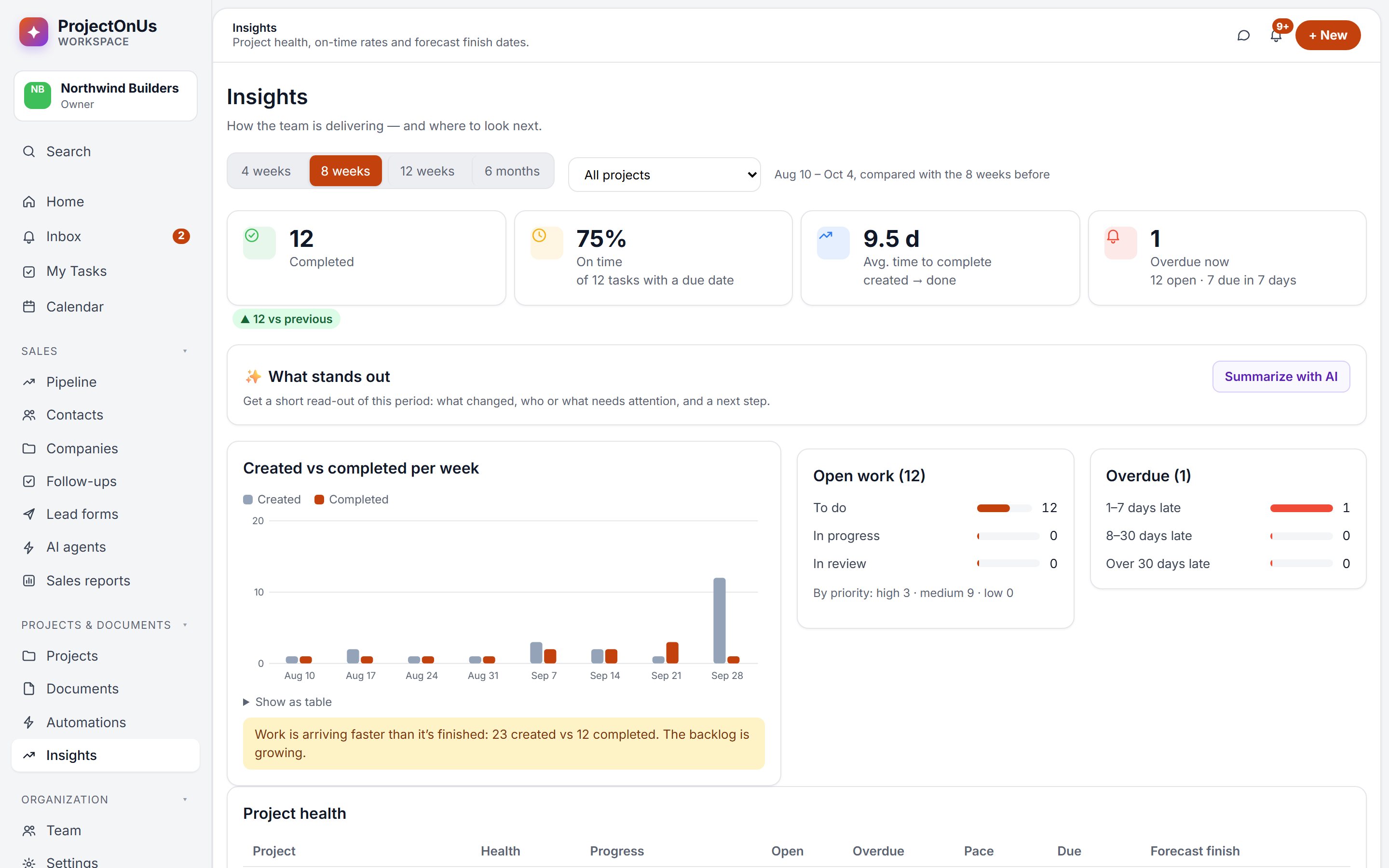
Obligations, deadlines and required documents from Harborline TI’s contracts become tasks and key dates on the project.
Finished tasks move the paperwork
When “verify quantities” is done, Pay Application No. 5 moves forward on the Workflow board, so everyone sees where it stands.
Won deals become projects
Mark Harborline TI as Won and the project is created with the client and contract value. Finish it, and the CRM gets a check-in and a repeat-work deal.
Let the contract set up the project.
Start your free 14-day trial: CRM, Projects and Documents, together.