AI document operations for contractors
Change orders, RFIs, submittals, insurance certificates and inspection reports — read by AI the moment they arrive, filed in the right place, routed for approval, and turned into tasks with due dates.
Built on the same platform as ProjectOnUs · Free plan for up to 3 users
- Filed in Change Orders, tagged #change-order
- Sent to the project manager for approval
- Tasks created: price review, schedule update
- Due dates taken from the document
- Every step in the document’s history
- Ready for the change order log
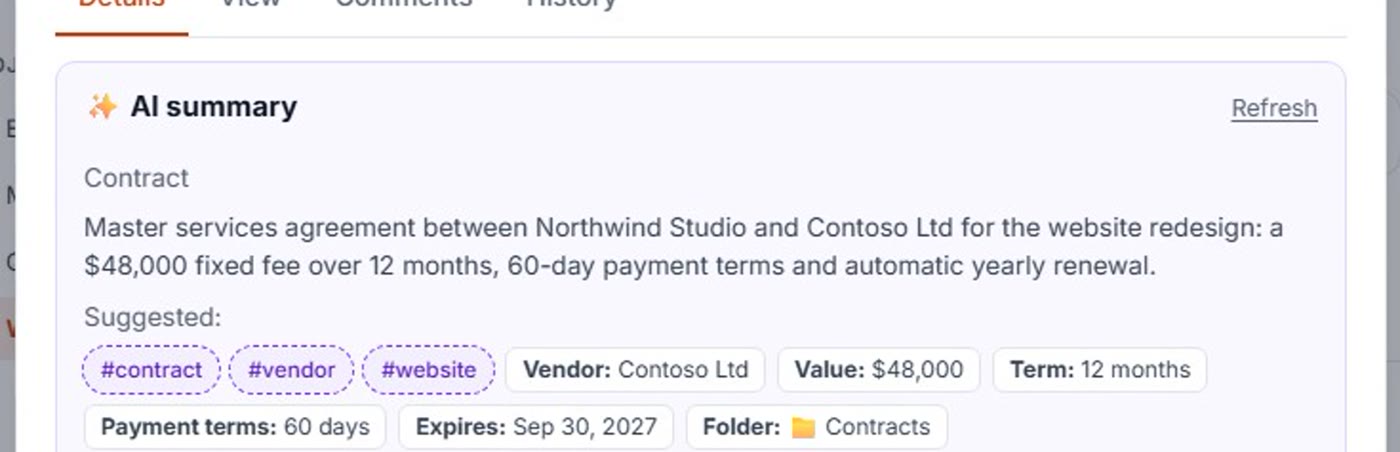
Recognizes your documents and pulls out what matters
Upload a PDF, Word file, spreadsheet or a scan from the site — AI identifies the document and extracts the fields your team needs.
Change orders
Number, amount, schedule impact, spec section, who requested it and when a response is due.
RFIs
The question, drawing or spec reference, who asked, and the response due date.
Submittals
Spec section, item, subcontractor and review status.
Insurance certificates
Insured party, coverage and expiry date — with a reminder before it lapses.
Inspection & safety reports
Findings, deficiencies, corrective actions and deadlines.
Invoices & pay applications
Amount, period, reference number and due date — searchable across every project.
Turn them on in one click
Start from these templates and adjust them in plain language — no setup project needed.
Change order → approval + tasks
File it, tag it, send it to the PM for approval, and let AI create the follow-up tasks.
RFI → file + response tasks
Every RFI filed and tagged, with response tasks and due dates, and the PM notified.
Insurance certificate → expiry watch
Certificates filed under Insurance, tagged, and flagged before coverage expires.
The logs and updates you build by hand today
AI Studio’s construction pack builds them from your documents — as Word files and slide decks you can edit before sending.
- Change order log with cost and schedule totals
- RFI log — open, overdue and blocking items
- Submittal review by spec section
- Inspection & safety report with corrective actions
- Owner progress update deck
“What’s still open on Level 3?”
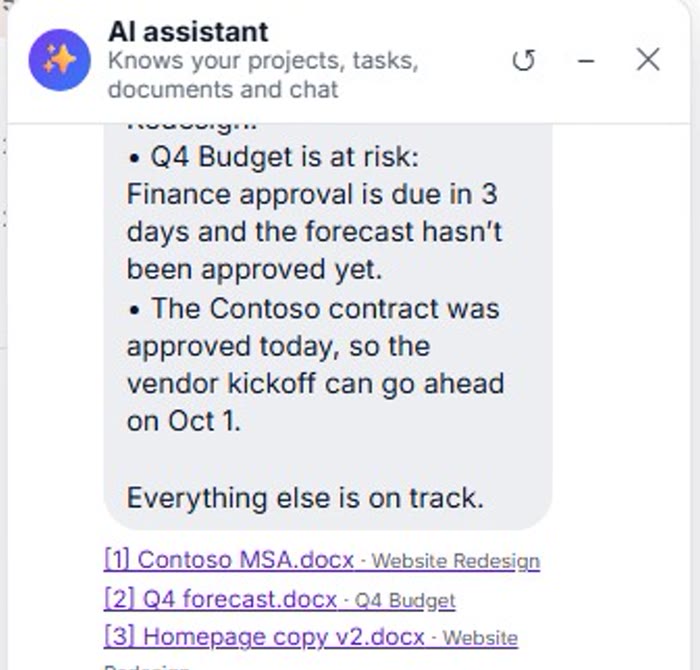
Ask a single document, a whole project or the AI assistant — answers come from your own RFIs, change orders and reports, with sources.
Less paperwork. More building.
Start your free 14-day trial — we’ll set up your organization with the construction pack.